Building REST APIs with Azure Functions in .NET

Muhammad Rizwan
2026-02-03
4 min read
Building REST APIs with Azure Functions in .NET

In the cloud first era, serverless architecture is no longer a buzzword. it’s the new normal. And if you're working with .NET and want to build lightweight, event-driven, scalable APIs without managing infrastructure, Azure Functions should be in your toolkit.

In this article, we’ll break down how to use Azure Functions as REST API endpoints, the right way.


What Are Azure Functions?

Azure Functions is Microsoft’s serverless compute service that allows you to run small pieces of code (functions) in the cloud without worrying about provisioning servers. It comes under "Function as a Service" (FaaS) azure service model.

It supports triggers like HTTP, Queue, Timer, Cosmos DB, and more. For building APIs, we use the HTTP trigger in this article.


Free Newsletter

Enjoying the article? Stay in the loop.

  • Production-ready code samples every week
  • In-depth .NET, C# & React tutorials
  • Career tips & dev insights
500+ developers · No spam · Unsubscribe anytime

Join the community

Get new articles delivered every week.

No credit card · No spam · Cancel anytime · Learn more

Why Use Azure Functions for APIs?

  • Auto-scale on demand (hello, unpredictable traffic).
  • Pay only for what you use (per millisecond).
  • Quick deployment (ideal for MVPs and microservices).
  • Built-in bindings to Azure services (like Blob Storage, Cosmos DB, Queues).

But be warned, this is for lightweight services. If you're building a full-blown enterprise app with complex orchestration, consider Azure App Services or AKS.


Setting Up Azure Functions for REST

Step 1: Install Prerequisites

Step 2: Create a Function Project

`func init MyFunctionApp --worker-runtime dotnet --target-framework net8.0 cd MyFunctionApp
func new --name GetProducts --template "HTTP trigger" --authlevel "anonymous"`

This creates a basic HTTP-triggered function.


Step 3: Write Your REST Endpoint

Update GetProducts.cs:

`public  static  class  GetProducts {
    [FunctionName("GetProducts")] public  static IActionResult Run( [HttpTrigger(AuthorizationLevel.Anonymous, "get", Route = "products")] HttpRequest req,
        ILogger log)
    { var products = new[]
        { new { Id = 1, Name = "Laptop", Price = 1000 }, new { Id = 2, Name = "Mouse", Price = 25 }
        }; return  new OkObjectResult(products);
    }
}`

You've now got a RESTful GET endpoint at:
https://<your-function-app>.azurewebsites.net/api/products


Step 4: Add More REST Endpoints

Want to handle POST/PUT/DELETE? Create separate functions or reuse one with multiple verbs.

[HttpTrigger(AuthorizationLevel.Anonymous, "get", "post", Route = "products/{id?}")] HttpRequest req

Use req.Method to branch logic inside the function - or better, separate functions per verb for clean separation.


Step 5: Local Testing

Run the azure function locally:

`func start`

Your API will be available at:
http://localhost:7071/api/products


Free Newsletter

Enjoying the article? Stay in the loop.

  • Production-ready code samples every week
  • In-depth .NET, C# & React tutorials
  • Career tips & dev insights
500+ developers · No spam · Unsubscribe anytime

Join the community

Get new articles delivered every week.

No credit card · No spam · Cancel anytime · Learn more

Step 6: Deploy to Azure

Azure CLI command to deploy azure fucntion with required other services by using the below command:

`az login
az functionapp create --resource-group my-rg --consumption-plan-location westus --runtime dotnet --functions-version 4 --name my-api-func --storage-account mystorage
func azure functionapp publish my-api-func`

Done.


Keep in Mind

  • Use Azure API Management in front of your functions for throttling, caching, and versioning.
  • Keep functions small and single-responsibility.
  • Structure your project using Dependency Injection (supported in .NET Functions).
  • Use Azure Key Vault or app settings for secrets-not hardcoded values.
  • Don't forget OpenAPI (Swagger) support for API documentation.

Bonus: Add Swagger/OpenAPI

Add this NuGet package:

dotnet add package Microsoft.Azure.WebJobs.Extensions.OpenApi

Then decorate your function with [OpenApiOperation], [OpenApiParameter], etc., and hit /api/swagger/ui for the Swagger UI.


Free Newsletter

Enjoying the article? Stay in the loop.

  • Production-ready code samples every week
  • In-depth .NET, C# & React tutorials
  • Career tips & dev insights
500+ developers · No spam · Unsubscribe anytime

Join the community

Get new articles delivered every week.

No credit card · No spam · Cancel anytime · Learn more

When Not to Use Azure Functions for APIs?

  • You need low-latency, cold-start-free APIs (consider Premium Plan or App Service).
  • You want long-running operations (>5 mins).
  • You have complex routing needs or a huge monolith.

Wrapping Up

Azure Functions make it blazingly fast to spin up REST APIs without the devops headache. Whether it’s a microservice, webhook handler, or backend for a mobile app, they give you just enough firepower-without the bloat.

But like any tool, they’re not a silver bullet.

Use wisely. And write clean functions.


Want the GitHub repo for this example or a tutorial on Function DI & Middleware in .NET? Let me know I'll cook that up next.

Join me on Patreon for more helpful tips. Make sure to like and Follow to stay in the loop with my latest articles on different topics including programming tips & tricks, tools, Framework, Latest Technologies updates.

Support me on Patreon

I would love to see you in the followers list.

Share this post

About the Author

Muhammad Rizwan

Muhammad Rizwan

Software Engineer · .NET & Cloud Developer

A passionate software developer with expertise in .NET Core, C#, JavaScript, TypeScript, React and Azure. Loves building scalable web applications and sharing practical knowledge with the developer community.


Did you find this helpful?

I would love to hear your thoughts. Your feedback helps me create better content for the community.

Leave Feedback

Related Articles

Explore more posts on similar topics

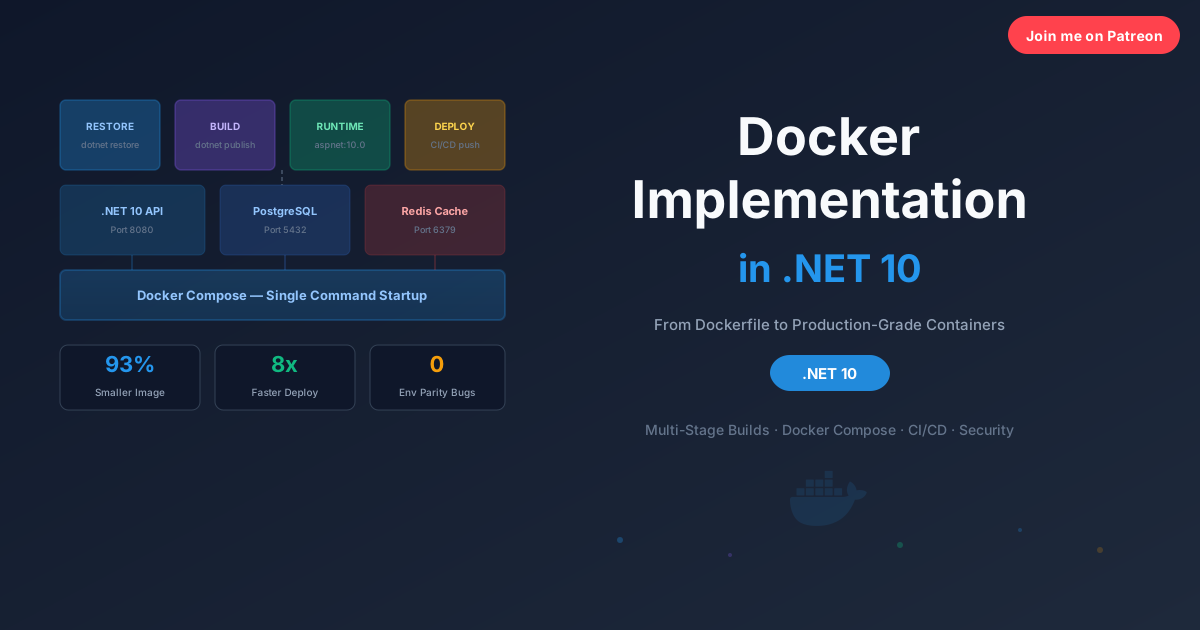
The Complete step by step Guide to Docker in .NET 10

The Complete step by step Guide to Docker in .NET 10

A complete hands on guide to containerizing .NET 10 applications with Docker. This article covers multi-stage Dockerfiles, Docker Compose for full stack local development, layer caching, health checks, container networking, CI/CD pipelines, and security best practices with real examples you can use today.

2026-03-1520 min read
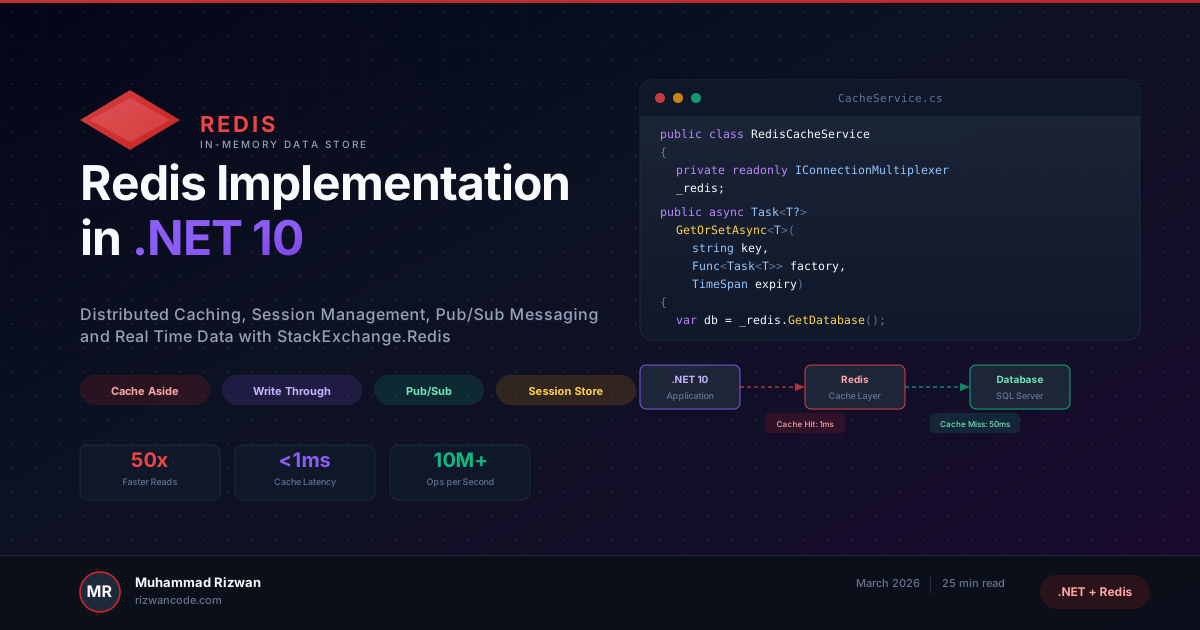
Redis Implementation in .NET 10

Redis Implementation in .NET 10

A complete hands on guide to implementing Redis in .NET 10 with StackExchange.Redis. This article covers distributed caching, session management, Pub/Sub messaging, rate limiting, health checks, and production ready patterns with real C# code you can use today.

2026-03-1127 min read
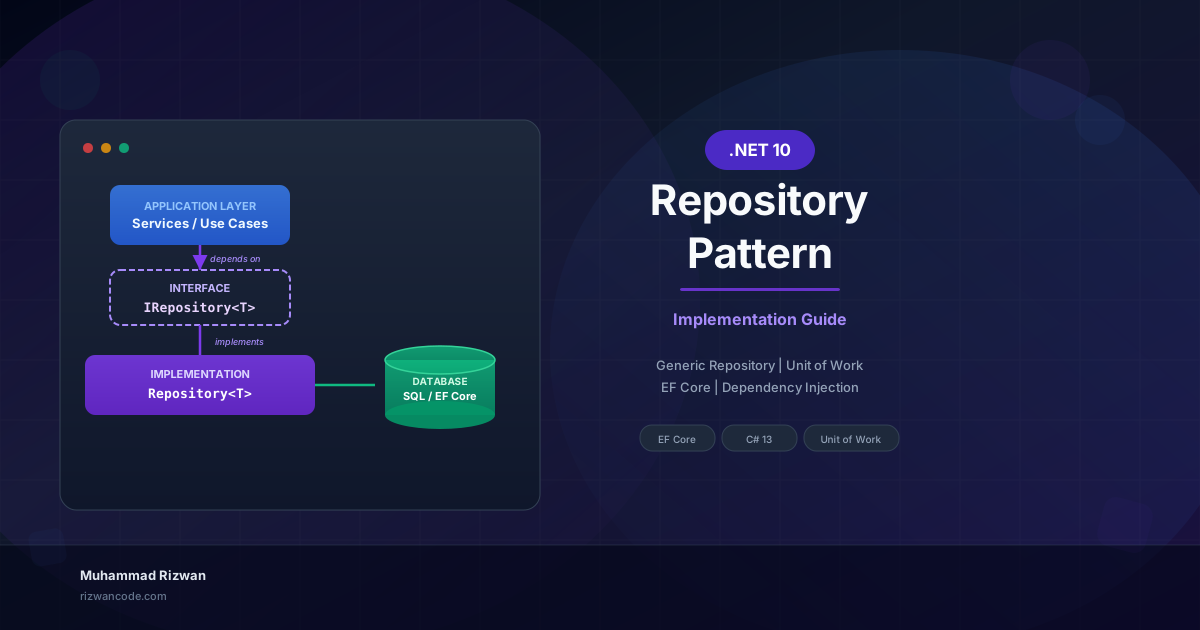
Repository Pattern Implementation in .NET 10

Repository Pattern Implementation in .NET 10

A complete walkthrough of implementing the Repository pattern in .NET 10 with Entity Framework Core. This guide covers the generic repository, specific repositories, the Unit of Work pattern, dependency injection, testing, and real production decisions with working C# code.

2026-02-2725 min read

Patreon Exclusive

Go deeper - exclusive content every month

Members get complete source-code projects, advanced architecture deep-dives, and monthly 1:1 code reviews.

$5/mo
Supporter
  • Supporter badge on website & my eternal gratitude
  • Your name listed on the website as a supporter
  • Monthly community Q&A (comments priority)
  • Early access to every new blog post
Join for $5/mo
Most Popular
$15/mo
Developer Pro
  • All Supporter benefits plus:
  • Exclusive .NET & Azure deep-dive posts (not on blog)
  • Full source-code project downloads every month
  • Downloadable architecture blueprints & templates
  • Private community access
Join for $15/mo
Best Value
$29/mo
Architect
  • All Developer Pro benefits plus:
  • Monthly 30-min 1:1 code review session
  • Priority answers to your architecture questions
  • Exclusive system design blueprints
  • Your name/logo featured on the website
  • Monthly live Q&A sessions
  • Early access to new courses or products
Join for $29/mo
Teams
$49/mo
Enterprise Partner
  • All Architect benefits plus:
  • Your company logo on my website & blog
  • Dedicated technical consultation session
  • Featured blog post about your company
  • Priority feature requests & custom content
Join for $49/mo

Secure billing via Patreon · Cancel anytime · Card & PayPal accepted

View Patreon page →

Your Feedback Matters

Have thoughts on my content, tutorials, or resources? I read every piece of feedback and use it to improve. No account needed. It only takes a minute.

Free Newsletter

Enjoying the article? Stay in the loop.

  • Production-ready code samples every week
  • In-depth .NET, C# & React tutorials
  • Career tips & dev insights
500+ developers · No spam · Unsubscribe anytime

Join the community

Get new articles delivered every week.

No credit card · No spam · Cancel anytime · Learn more