
Testing APIs in .NET 8 Using .http Files – A Complete Guide

Muhammad Rizwan
2026-02-05
5 min read
Testing APIs in .NET 8 Using .http Files – A Complete Guide

Intro

As a .NET developer, you've likely relied on tools like Postman, curl, or Swagger UI to test your APIs. But what if you could test your API directly inside your IDE - without switching context?

That's where .http files come in. Supported by Visual Studio, JetBrains Rider, and VS Code (with extensions), these simple text files allow you to write and execute HTTP requests directly inside your project.

Let’s explore how to integrate .http files into a .NET 8 Web API project with real examples, environment configs, and some handy tips.


What is a .http file?

A .http file is a plain text file where you define HTTP requests (GET, POST, PUT, DELETE, etc.) in a human-readable way.

Example

`### Get all users
GET https://localhost:5001/api/users
Accept: application/json

###

POST https://localhost:5001/api/users
Content-Type: application/json

{
  "name": "Jane Doe",
  "email": "jane@example.com"
}`

You can run these requests without opening a browser or Postman. Just click a button in your IDE. Bliss.


Setting Up in a .NET 8 Project

Let’s walk through how to use .http files in a .NET 8 Web API project.


1. Create a New .NET 8 Web API Project

`dotnet new webapi -n HttpFileDemo cd HttpFileDemo`
`dotnet run`

Your default API should be running on something like https://localhost:5001.


Free Newsletter

Enjoying the article? Stay in the loop.

  • Production-ready code samples every week
  • In-depth .NET, C# & React tutorials
  • Career tips & dev insights
500+ developers · No spam · Unsubscribe anytime

Join the community

Get new articles delivered every week.

No credit card · No spam · Cancel anytime · Learn more

2. Add a .http File

In the root of the project (or in a folder like Tests), add a new file:

requests.http

Add the following content:

`### Ping API
GET https://localhost:5001/weatherforecast
Accept: application/json`

In Visual Studio, click the green "Send Request" button that appears next to the line.

In Rider, hit the Play icon beside the request.


Working with Variables and Environments

For DRY and reusable testing, you can define variables.

Example:

`@host = https://localhost:5001

Free Newsletter

Enjoying the article? Stay in the loop.

  • Production-ready code samples every week
  • In-depth .NET, C# & React tutorials
  • Career tips & dev insights
500+ developers · No spam · Unsubscribe anytime

Join the community

Get new articles delivered every week.

No credit card · No spam · Cancel anytime · Learn more

Get Weather

GET {{host}}/weatherforecast
Accept: application/json`

3. Creating Environment Files

To manage multiple environments (dev, staging, prod), create:

http-client.env.json in your project root:

`{
 "Local":
    {  "host":  "https://localhost:5001"  },
 "Staging":
    {  "host":  "https://staging.myapi.com"  },
 "Production":
    {  "host":  "https://api.myapp.com"  }
 }`

Then in your .http file:

GET {{host}}/weatherforecast

Switch environments from the dropdown in your IDE.


Sending Auth Tokens

Need to test secured APIs? You can pass bearer tokens easily.

`GET {{host}}/secure-endpoint
Authorization: Bearer {{access_token}}`

You can hardcode or use a variable for access_token.


Testing POST, PUT, DELETE

POST Example

`POST {{host}}/api/users
Content-Type: application/json

{
  "name": "Sam",
  "email": "sam@domain.com"
}`

PUT Example

`PUT {{host}}/api/users/1
Content-Type: application/json

{
  "name": "Updated Name"
}`

DELETE Example

`DELETE {{host}}/api/users/1`

Example in a Full .NET 8 Controller

UsersController.cs

[ApiController]
[Route("api/[controller]")]

    public  class  UsersController : ControllerBase
    {
    private  static List<User> users = new();
    [HttpGet] public IActionResult Get() => Ok(users);

    [HttpPost] public IActionResult Create(User user)
       {
            user.Id = Guid.NewGuid();
            users.Add(user); return CreatedAtAction(nameof(Get), new { id = user.Id }, user);
        }

        [HttpDelete("{id}")] public IActionResult Delete(Guid id)
        { var user = users.FirstOrDefault(u => u.Id == id); if (user == null) return NotFound();
            users.Remove(user); return NoContent();
        }
    }

public  class  User
{
public Guid Id { get; set; }
public  string Name { get; set; }
public  string Email { get; set; }
}

`

requests.http

`@host = https://localhost:5001

### Get all users
GET {{host}}/api/users

###

POST {{host}}/api/users
Content-Type: application/json

{
  "name": "Jane",
  "email": "jane@example.com"
}

###

DELETE {{host}}/api/users/{{userId}}`

Tips & Tricks

Separates requests.

###

Declare variables.

@var = value

Use variables.

{{var}}

Manage environments.

http-client.env.json

Shortcut to run request.

ALT+Enter / Ctrl+Enter

Comments

Use # or // for notes.


Limitations

→ No built-in test assertion logic (like Postman tests).

→ IDE-dependent behavior may vary (VS vs Rider vs VS Code).

→ Doesn't simulate a real frontend request (cookies, UI, etc.).


Free Newsletter

Enjoying the article? Stay in the loop.

  • Production-ready code samples every week
  • In-depth .NET, C# & React tutorials
  • Career tips & dev insights
500+ developers · No spam · Unsubscribe anytime

Join the community

Get new articles delivered every week.

No credit card · No spam · Cancel anytime · Learn more

When Should You Use .http Files?

→ During development, for quick test loops.

→ As lightweight test documentation.

→ As part of API documentation for teammates.

→ For local, integration, or smoke testing.


Should You Commit .http Files?

Yes - if:

→ They’re not storing sensitive credentials.

→ You want them as documentation or team-shared test files.

No - if:

→ They contain hardcoded secrets or tokens.

→ They're temporary scratchpad files.


To Conclude

.http files in a .NET 8 project are a game-changer for developers who want quick, readable, testable HTTP requests without leaving their IDE. Think of it as "Postman in your code editor" - only faster and more integrated.

Whether you’re testing a new endpoint or documenting workflows for your team, .http files will streamline your process like never before.


Further Steps

  • Add .http files to your current .NET 8 project.

  • Organize them by feature or controller (users.http, auth.http).

  • Use http-client.env.json to manage different environments.

  • Explore token injection or pre-request scripting with extensions in VS Code or Rider.


Join me on Patreon for more helpful tips. Make sure to like and Follow to stay in the loop with my latest articles on different topics including programming tips & tricks, tools, Framework, Latest Technologies updates.

Support me on Patreon

I would love to see you in the followers list.

Share this post

About the Author

Muhammad Rizwan

Muhammad Rizwan

Software Engineer · .NET & Cloud Developer

A passionate software developer with expertise in .NET Core, C#, JavaScript, TypeScript, React and Azure. Loves building scalable web applications and sharing practical knowledge with the developer community.


Did you find this helpful?

I would love to hear your thoughts. Your feedback helps me create better content for the community.

Leave Feedback

Related Articles

Explore more posts on similar topics

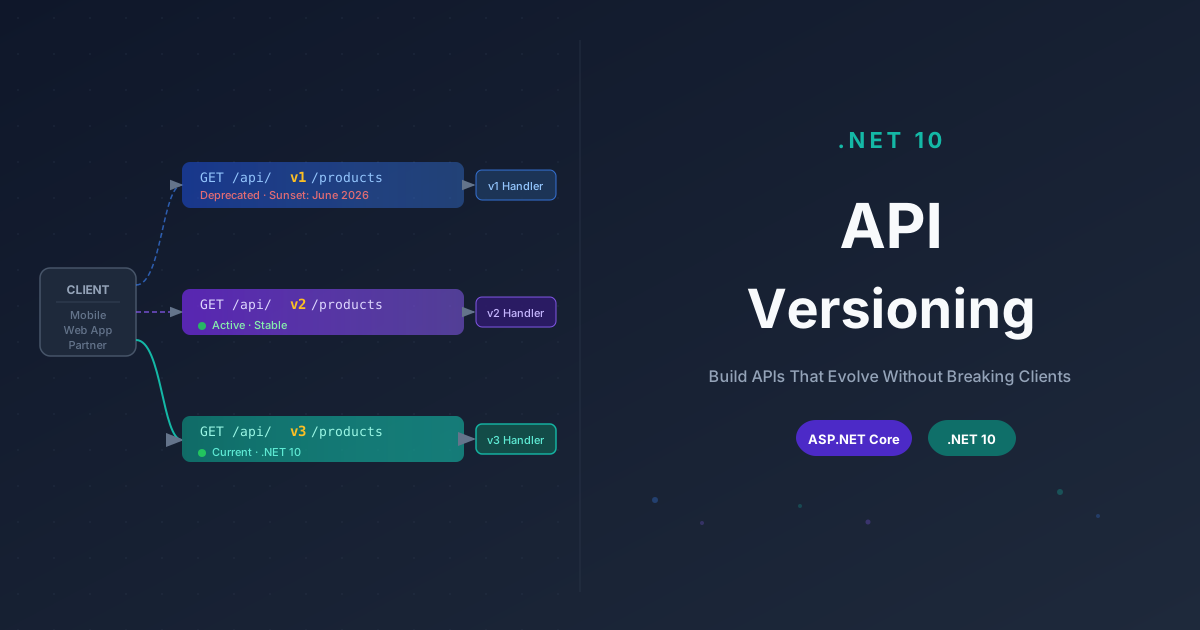
.NET 10 API Versioning - The Complete Practical Guide

.NET 10 API Versioning - The Complete Practical Guide

A thorough, practical guide to API versioning in .NET 10. Learn the four versioning strategies, how to set up the Asp.Versioning library, how to deprecate old versions gracefully, integrate with built-in OpenAPI support, and make smart real-world decisions about evolving your API without breaking existing clients.

2026-03-2326 min read
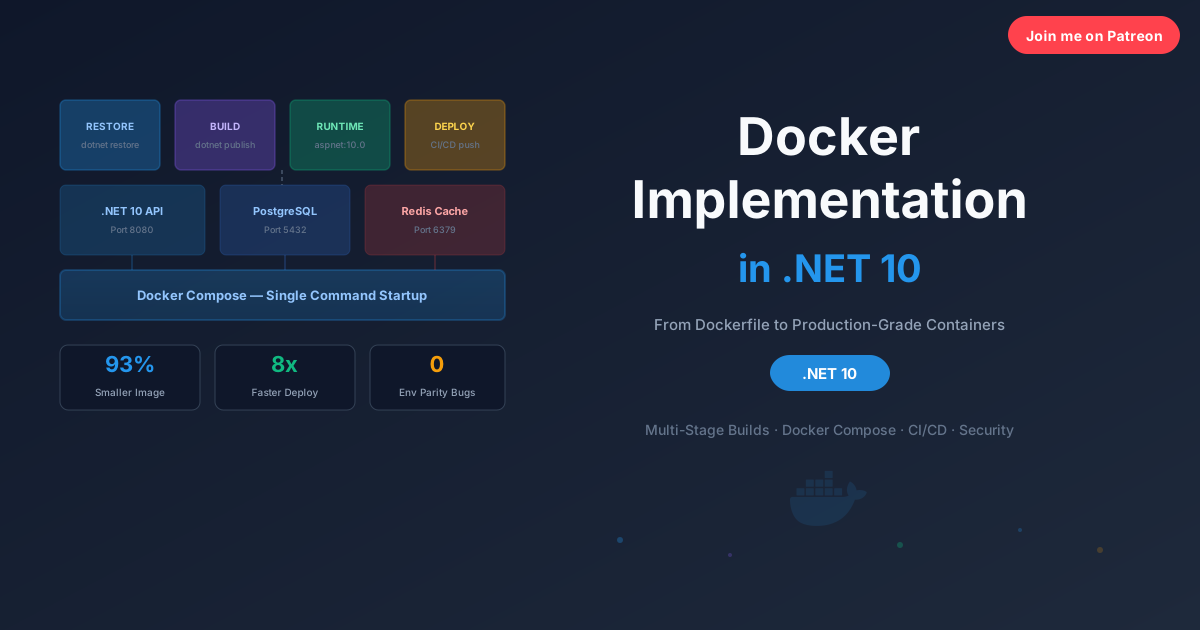
The Complete step by step Guide to Docker in .NET 10

The Complete step by step Guide to Docker in .NET 10

A complete hands on guide to containerizing .NET 10 applications with Docker. This article covers multi-stage Dockerfiles, Docker Compose for full stack local development, layer caching, health checks, container networking, CI/CD pipelines, and security best practices with real examples you can use today.

2026-03-1520 min read
Redis Implementation in .NET 10

Redis Implementation in .NET 10

A complete hands on guide to implementing Redis in .NET 10 with StackExchange.Redis. This article covers distributed caching, session management, Pub/Sub messaging, rate limiting, health checks, and production ready patterns with real C# code you can use today.

2026-03-1127 min read

Patreon Exclusive

Go deeper - exclusive content every month

Members get complete source-code projects, advanced architecture deep-dives, and monthly 1:1 code reviews.

$5/mo
Supporter
  • Supporter badge on website & my eternal gratitude
  • Your name listed on the website as a supporter
  • Monthly community Q&A (comments priority)
  • Early access to every new blog post
Join for $5/mo
Most Popular
$15/mo
Developer Pro
  • All Supporter benefits plus:
  • Exclusive .NET & Azure deep-dive posts (not on blog)
  • Full source-code project downloads every month
  • Downloadable architecture blueprints & templates
  • Private community access
Join for $15/mo
Best Value
$29/mo
Architect
  • All Developer Pro benefits plus:
  • Monthly 30-min 1:1 code review session
  • Priority answers to your architecture questions
  • Exclusive system design blueprints
  • Your name/logo featured on the website
  • Monthly live Q&A sessions
  • Early access to new courses or products
Join for $29/mo
Teams
$49/mo
Enterprise Partner
  • All Architect benefits plus:
  • Your company logo on my website & blog
  • Dedicated technical consultation session
  • Featured blog post about your company
  • Priority feature requests & custom content
Join for $49/mo

Secure billing via Patreon · Cancel anytime · Card & PayPal accepted

View Patreon page →

Your Feedback Matters

Have thoughts on my content, tutorials, or resources? I read every piece of feedback and use it to improve. No account needed. It only takes a minute.

Free Newsletter

Enjoying the article? Stay in the loop.

  • Production-ready code samples every week
  • In-depth .NET, C# & React tutorials
  • Career tips & dev insights
500+ developers · No spam · Unsubscribe anytime

Join the community

Get new articles delivered every week.

No credit card · No spam · Cancel anytime · Learn more